
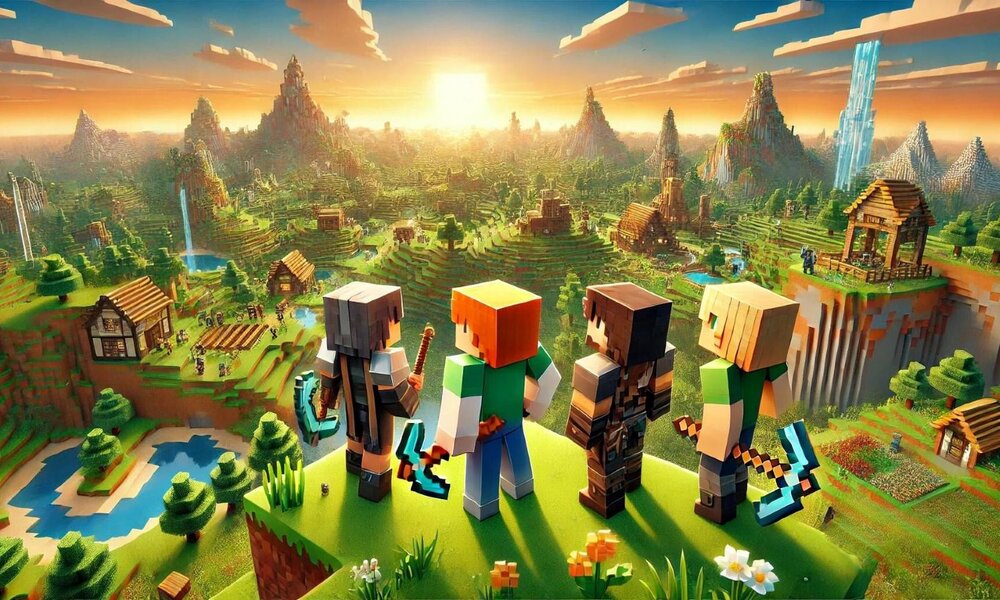
Mods change everything about how Minecraft plays. They add creatures nobody’s seen before, blocks that don’t exist in vanilla, and whole new dimensions to explore. Some fix annoying problems. Others make the game look stunning. From putting files in folders to setting up loaders, installation can range from simple to complex. Mods must play nicely together, and your computer specs must be compatible with them.
Graphics enhancement modifications
Shaders completely remake how Minecraft looks. Realistic lighting bounces off surfaces. Water actually reflects the sky. Puddles create shimmering effects when it rains. Gameplay is not affected by these visual upgrades, just everything looks better. Texture packs swap the default look for alternatives. You can go photorealistic or pick something artistic and stylized. Eaglercraft versions handle mods differently from downloaded versions. Resource packs work almost everywhere because they swap textures and sounds. Drop them in the right folder and you’re done. Lighting mods specifically change how torches, lava, and sunlight work. Dynamic lighting means your torch actually lights up caves as you walk.
Creature and biome additions
Content mods dump hundreds of new mobs and terrain types into your world. Biome mods generate places vanilla Minecraft never dreamed of. Volcanic wastelands. Crystal caves that glow. Islands floating in the sky. Every new biome has materials you can’t find anywhere else. Mob mods bring in animals, monsters, and neutral creatures with their own AI. You get several categories of new creatures:
- Pets and companions that travel with you and help in fights
- Boss monsters that need real strategy to beat
- Farm animals give you new food types and crafting materials
- Ocean creatures turning empty seas into living ecosystems
Exploration actually means something again. Each trip out finds something you haven’t seen. New villages have traders selling unique stuff. Custom dungeons test your combat skills harder than anything in the base game.
Mechanical gameplay improvements
Utility mods fix the small annoyances vanilla ignores. Inventory sorters organize your mess automatically. Minimaps show where you’ve been and let you mark important spots. Recipe lookup enables you to check crafting patterns without alt-tabbing to a wiki.
Building mods speed up construction massively. Blueprints let you design something once, then place copies anywhere. Symmetry tools mirror everything for balanced builds. Distance measurements show exact block counts. Anyone doing large creative projects needs these. Precision matters when you’re building something huge.
Dimension and adventure content
Adventure mods build whole new dimensions behind custom portals. These places follow different rules from the overworld. They have exclusive ores, unique generation, and progression you can’t skip. Most tell stories through ruins you discover, lore you read, and bosses you fight. Some focus on one dimension. Others connect multiple realms into networks. Quest mods give you actual objectives:
- Story missions that unfold across multiple stages
- Reputation with NPC factions that changes how they treat you
- Skill trees where you unlock powers by gaining experience
- Special loot you only get from specific challenges
Players who want direction instead of aimless sandbox building love these. Story mods provide 20 or 30 hours of content with real conclusions. Mods for Minecraft span from tiny tweaks to total conversions. Graphics mods make lighting and textures look professional. New creatures and biomes fill worlds with fresh content. Utility improvements streamline tedious tasks. Adventure mods add structured goals and storylines. Performance tools keep framerates acceptable with heavy mod loads.